

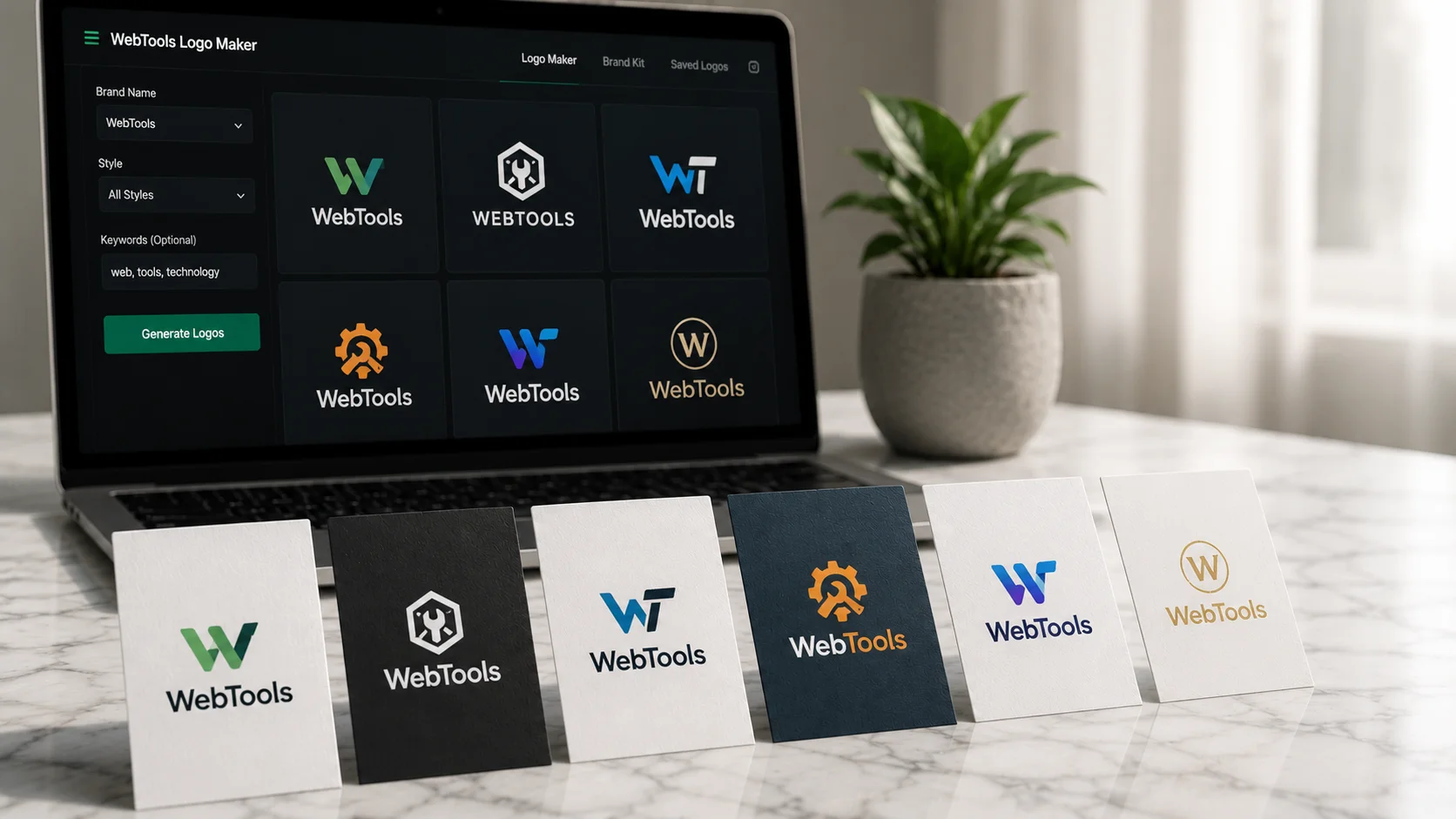
The Dirty Truth About Free AI Logo Makers
Let me save you the frustration I went through: the majority of "free" AI logo makers are not actually free. They're free to browse, free to generate previews, and free to waste your time before revealing — right at the download screen — that a clean, high-resolution, watermark-free file will cost you anywhere from $20 to $99. The free tier exists to show you a logo you've already emotionally invested in so the payment feels inevitable.
The watermark problem is real and deliberate. Most platforms let you generate dozens of concepts at no cost, but every download without payment is stamped with their branding, compressed to a resolution that's too low for print, or delivered as a PNG when you need an SVG for actual professional use. If you've ever tried to put a 200px logo on a banner or a vehicle wrap, you know why file format and resolution matter enormously.
The exclusivity issue is less discussed but equally important. Some AI logo makers — particularly the larger platforms with templates — generate logos from a pool of shared components. The icon you think is your brand identity might be sitting in 3,000 other companies' brand kits. There's no guarantee the rooster silhouette you chose for your coffee brand isn't already on the packaging of a competing product two towns over.
None of this means AI logo tools are a bad idea — several of them produce genuinely good results. But you need to go in with clear eyes about what free actually means, what you're getting for money when you do pay, and which stage of your business journey justifies each option. That's what this article is about.
Looka: Expensive but Probably the Best Quality AI Logo Output
Looka is the tool I recommend most often when someone has a budget and wants a professional result without hiring a designer. Let me also be upfront: it is not cheap. The Brand Kit subscription, which is what you actually need if you want the full value proposition, costs $96/year. The one-time logo package that gives you high-resolution files and full ownership starts at $65. For a bootstrapped founder, that stings.
What you get for that price is the strongest combination of output quality and brand coherence in the AI logo space. Looka's AI analyzes your industry, your color preferences, and the style examples you select during the onboarding flow, then generates a set of concepts that are genuinely diverse — not five variations of the same icon with different colors. The vector files it delivers are properly constructed SVGs, not SVGs that are secretly rasterized images in disguise (which is a real problem with cheaper platforms).
The Brand Kit is where Looka earns its price for anyone building a real business. It takes your approved logo and automatically generates 300+ branded assets: business card templates, social media profile images, email signatures, letterhead, invoice templates, even a favicon. Everything is consistent because it's all generated from the same underlying design system. That package would cost several hours of a designer's time to produce manually. At $96/year, it's actually a reasonable deal for a small business that needs to look put-together immediately.
The limitation is customization. Looka's editor is capable but constrained — you can adjust colors, fonts, and icon elements within what the system offers, but you can't do freeform editing. If you need something highly custom or unusual, you'll hit walls. For most standard business logos — clean, professional, versatile — it's more than adequate.
Canva AI Logo Maker: The Free Sweet Spot for Most Small Businesses
Canva occupies a genuinely interesting position in this space. It's not a dedicated AI logo tool — it's a design platform that includes logo-making capabilities — and that distinction matters. The free tier is actually free: you can download your logo as a PNG without a watermark, without paying anything, and Canva doesn't claim ownership over what you create using their free tools and templates.
The AI assistance in Canva's logo flow is less sophisticated than Looka's end-to-end AI generation. You're working with a template-based system where the AI helps you search for and customize existing designs rather than generating something from scratch. The practical difference is visible in the output: Looka feels more original because each logo is assembled dynamically, while Canva logos have a higher chance of looking like something you've seen before.
That said, for most small businesses — a local service provider, a freelancer, a small online shop — the Canva approach is entirely sufficient. The template library is enormous and genuinely varied. The editor is intuitive. And the free tier includes the ability to download your finished logo in PNG format at a resolution adequate for digital use. If you need SVG files for print or large-format use, that requires Canva Pro at $15/month, which is a significant jump but still far less than the dedicated logo tools.
Where Canva excels beyond the logo itself is ecosystem integration. Once your logo is in Canva, you can use it instantly across social media templates, presentations, documents, and marketing materials. If you're already using Canva for other design work, keeping your logo there creates a natural consistency. The friction is near zero.
Wix Logo Maker and Hatchful: When Free Actually Means Free
If your budget is genuinely zero and you need a functional logo right now, two tools stand out as delivering real value without a payment wall: Wix Logo Maker and Shopify's Hatchful. Both have their quirks, but both will hand over a usable, watermark-free file without asking for a credit card.
Wix Logo Maker's free tier gives you a PNG download at a reasonable resolution. There's a catch: to unlock high-resolution and vector files, you either need a Wix website plan or pay a one-time fee starting around $20. But if a standard PNG for digital use is all you need, it delivers cleanly. The generation process asks smart questions — industry, style preferences, color mood — and the results are better than the free price suggests they should be. It won't produce anything that a seasoned designer would call visually sophisticated, but it produces clean, professional-looking logos that are appropriate for most service businesses.
Hatchful, Shopify's logo tool, is genuinely no-strings-attached free. You pick an industry and a style, choose from generated options, edit the basics, and download a full package including PNG files at multiple sizes optimized for different platforms. There's no upsell, no paywall, no pressure to sign up for Shopify. The quality ceiling is lower than Wix or Looka — the icon library feels more limited and the designs trend toward the generic — but the transparency of the free offering is refreshing. What it says on the tin is what you get.
Brandmark and Tailor Brands: The Mid-Tier Worth Considering
Between Canva's free-but-template-driven approach and Looka's paid-but-polished output, there's a mid-tier that deserves a mention: Brandmark and Tailor Brands both occupy the $20–$40 one-time or annual pricing range and offer something meaningfully better than what you can get for free.
Brandmark is the more design-forward of the two. Its AI feels genuinely trained on design principles — the logos it generates tend to have better proportional balance and more considered type pairing than generic AI output. The color palette suggestions are particularly strong: it uses color theory rather than just showing you what's trendy. The one-time Basic package is around $25 and includes PNG files; the $65 Designer package adds SVG and EPS vector files. For a logo you plan to use seriously across print and digital, the Designer tier is the minimum you should buy.
Tailor Brands takes a subscription approach ($9.99/month billed annually for the Lite plan) and bundles logo creation with a broader brand toolkit — social media posts, business card designs, and a basic website builder. The logo quality itself is roughly on par with Brandmark, but the value proposition is the surrounding tools. If you're a solo entrepreneur who needs a logo plus a quick social presence, the bundled approach is efficient. The downside is that the subscription model means you're paying ongoing fees rather than owning your assets outright, which is a different kind of commitment.
My Verdict: What to Use at Each Stage of Business
After testing all eight tools seriously — running the same business concept through each one to compare outputs — here's my honest recommendation based on where you are in your business journey rather than an abstract quality ranking.
If you're at the idea stage, validating a concept, or building an MVP: use Canva or Hatchful. They're free, fast, and good enough to test your idea without spending money on brand identity before you know the business works. A logo matters less than traction at this stage.
If you're a small business that's operational and needs to look credible immediately: Canva Pro at $15/month or Brandmark's one-time Designer package at $65 are the right choices. Canva Pro gives you vector downloads and the full ecosystem. Brandmark gives you a more unique, design-forward result if the logo itself is the priority.
If you're an established business investing in brand identity: Looka's Brand Kit subscription at $96/year is worth it. The 300+ asset generation alone justifies the cost if you're producing marketing materials consistently. You're not just buying a logo — you're buying a design system that keeps everything visually coherent without needing a designer on call.
For enterprise or highly competitive markets where brand differentiation is a real strategic asset: none of these AI tools will satisfy you. At that level, a human designer who understands strategy, market positioning, and the competitive context isn't a luxury — it's the investment. AI logo makers are excellent for 80% of business needs. They're not a replacement for considered, strategic brand identity work when that genuinely matters.