

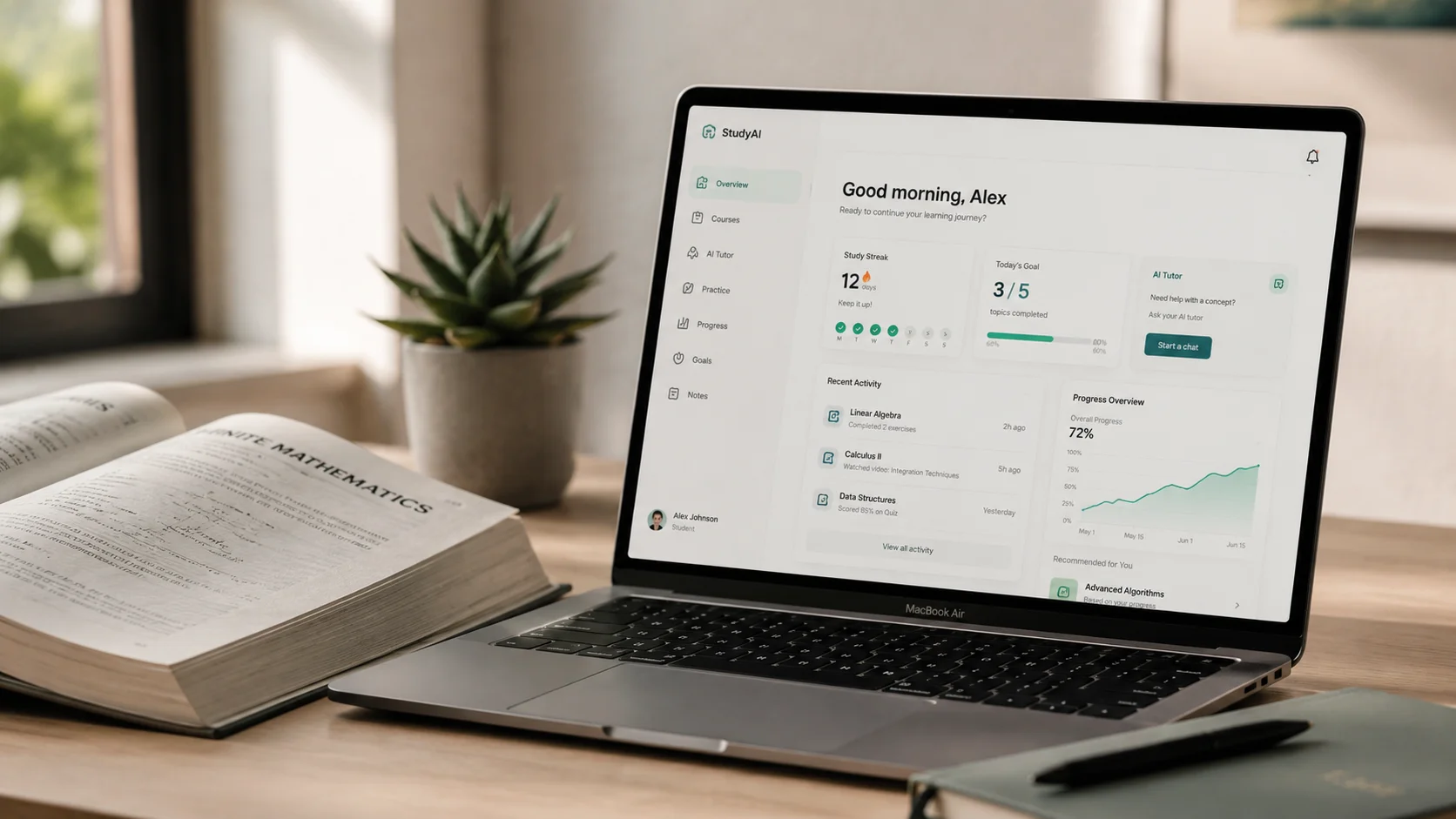
Every few months a new wave of "AI study tools" launches, promising to revolutionize the way students learn. Most of them are repackaged ChatGPT wrappers with a subscription fee slapped on top. I've spent time actually using these tools — not just reading their landing pages — and the gap between what's marketed and what's genuinely useful is enormous. This guide cuts through the noise. Whether you're a high schooler trying to get through a history essay or a college student drowning in coursework, these are the ai tools for students that are worth your limited time and money in 2026.
The short version: you don't need to pay for most of them. A smart combination of free tiers from a handful of tools covers 90% of what students actually need. The trick is knowing which tools to pair together — and how to use them in a way that helps you learn rather than just outsourcing your thinking entirely.
Why Most "AI Study Tools" Are a Waste of Time
Here's what frustrates me about the AI tools for students market: the majority of paid "study apps" are just thin interfaces built on top of GPT-4o or Claude. They charge you $15–$30 a month to upload a PDF and ask questions about it — something you can do for free directly in ChatGPT. Studyable, Khanmigo (partially), and a dozen smaller apps fall into this category. They're not bad tools, but they're not worth paying for when the underlying model is publicly accessible.
The tools worth your attention are the ones doing something genuinely different: specialized math engines that show their work, writing tools that understand academic voice, note-taking integrations that connect to your actual workflow. The mistake most students make is treating AI as a shortcut. Used that way, it actually makes you worse at learning — you get the answer but skip the understanding. The tools I recommend are ones that force you to engage with the material even as they reduce friction.
One more thing worth saying upfront: AI-assisted work and academic integrity are a real tension in 2026. Most universities now have clear policies. I'm not here to help you cheat — I'm here to help you study smarter, use AI to understand harder concepts faster, and improve your writing without replacing your thinking. Keep that distinction clear and you'll be fine.
ChatGPT for Studying: How to Actually Use It Right
The free tier of ChatGPT (GPT-4o mini) is genuinely useful for studying, but almost every student I've seen use it does so in the least effective way possible: they paste in a question and copy the answer. That approach teaches you nothing and produces work that reads exactly like AI output — which professors now flag instantly.
The prompts that actually help look very different. Instead of "explain photosynthesis," try: "I understand that plants convert light to energy but I'm confused about why NADPH is needed specifically. Explain it like I have a basic chemistry background and then give me a quick analogy." This forces the model to meet you where you are, not just dump a Wikipedia summary. For essay preparation, try: "I'm writing about the causes of World War I. Ask me five questions that would reveal gaps in my understanding of the topic." Then answer them — the gaps you can't fill are exactly what you need to study.
Another genuinely useful technique: use ChatGPT as a Socratic sparring partner. Tell it to argue against your thesis and poke holes in your argument. It's uncomfortable, but it's how you find the weak points before your professor does. The free tier has some message limits, but for study sessions it's usually enough. The $20/month Plus tier gives you access to GPT-4o (significantly more capable for nuanced subjects) and the ability to upload files — worth it if you're in a demanding program, overkill if you're using it occasionally.
Notion AI and the Art of Better Notes
Taking notes is one of those things that sounds simple until you try to actually use them three weeks later and realize they're basically incomprehensible. Notion AI, bundled into Notion's $10/month Plus plan (and available in limited form free), changes the note-taking workflow in a way that has a genuine academic payoff.
The workflow I recommend for students: record your lectures using your phone or a dedicated recorder, then run the transcript through Notion AI's summarize feature. It pulls out the key concepts, action items, and questions you should research further. This isn't about avoiding note-taking — it's about making your notes actually usable. The manual act of reviewing what the AI summarized and correcting or expanding on it is itself a powerful revision technique.
What Notion AI does particularly well is the "continue writing" and "improve writing" features for academic assignments. If you've written a rough first paragraph and you're stuck, asking it to suggest how the next section could develop (not write it for you) can break the block without replacing your thinking. The Q&A feature — where you can ask questions about your own notes database — is also underrated for revision. "What did I note about Keynesian economics last month?" actually works, and it works well. The free Notion tier lets you use AI features with limited credits; realistically, most students need the $10 plan.
Grammarly vs. QuillBot vs. the AI Alternatives
Essay writing is where students feel the most pressure, and it's also where the AI tool market is most crowded. Let me give you a direct comparison of the main options so you can stop agonizing over which one to pick.
Grammarly Free is still the best starting point for most students. It catches grammar and spelling errors, suggests clarity improvements, and the browser extension means it works everywhere — in your Google Docs, in your university's portal, in your email. The free tier doesn't include the tone adjustments or plagiarism checker, but for basic writing correction it's hard to beat. Grammarly Premium ($12/month as a student) adds full-sentence rewrites, clarity scores, and the plagiarism checker — genuinely useful if writing is a significant part of your workload.
QuillBot's free tier is more generous than Grammarly's in one specific way: its paraphrasing tool. You can paraphrase up to 125 words at a time free, which is useful for understanding a dense academic passage in simpler terms (not for rewriting your own work to avoid detection — that's a different and bad use). The summarizer feature in QuillBot Free can handle articles up to a certain length. Where QuillBot falls short is in the quality of its grammar correction, which is noticeably weaker than Grammarly's.
The newer generation of AI writing tools — like Wordtune and ProWritingAid — sit somewhere between the two. Wordtune's free tier gives you 10 rewrites per day, which is enough for focused editing sessions. For most students, the combination of Grammarly Free for grammar and QuillBot Free for paraphrasing covers the writing assistance needs without spending anything. If you write a lot of essays and want something that understands academic register specifically, Grammarly Premium is the upgrade worth considering first.
Wolfram Alpha and Photomath: AI for Math That Actually Explains
There's a category of ai homework help tools where I have zero ambivalence: math solvers that show their work. Not because they do your homework for you, but because they let you see step-by-step how a problem is solved — which is exactly how you learn to solve it yourself. Two tools stand out here, and they work in complementary ways.
Wolfram Alpha has been around forever but it's gotten significantly smarter. The free version handles most undergraduate-level problems in calculus, algebra, statistics, and discrete math. Type in an integral, get the solution with every substitution step laid out. Ask it to plot a function, it generates an interactive graph. Where Wolfram Alpha shines over ChatGPT for math is precision — it doesn't hallucinate solutions, it computes them. The Step-by-Step Solutions feature is paywalled behind Wolfram Alpha Pro ($5/month for students), and it's worth every cent if you're in a math-heavy program. Seeing exactly why each step happens is how you build the intuition to do it yourself.
Photomath takes a different approach: you point your phone camera at a handwritten or printed math problem and it solves it live. The free version solves the problem and shows the final steps. Photomath Plus ($9.99/month) unlocks animated step-by-step explanations and detailed word problem solutions. What I find genuinely useful about Photomath compared to just asking ChatGPT is that the explanations are designed for learning — they use pedagogical language, flag the specific rule being applied (quotient rule, chain rule, etc.), and move at the right pace. For students who learn visually and struggle with pure text explanations, it's the better fit. Between these two tools, most STEM students can get through their problem sets while actually understanding what they're doing.
My Honest Recommendation for Students on a Budget
If I were a student today with a tight budget and needed to be strategic about which best ai for students free options to use, this is exactly the stack I'd build. First, ChatGPT Free (GPT-4o mini) for concept explanation, study question generation, and essay brainstorming. It's free, it's capable enough for most things, and knowing how to prompt it well is a skill that will serve you beyond university. Second, Grammarly Free in the browser for writing correction on everything. Third, Wolfram Alpha Free for math and science problem-solving. Fourth, Notion Free for note organization — use the AI credits selectively on lecture summaries. That's four free tools that cover studying, writing, math, and notes. No subscription required.
The first paid upgrade I'd recommend — if your budget allows even $10/month — is Notion Plus, because the AI note-taking workflow genuinely changes how revision works. The second upgrade is Wolfram Alpha Pro if you're in a STEM field, because the step-by-step explanations are worth more than any tutoring session at that price point. Everything else is optional. The students I've seen struggle with AI tools aren't the ones who can't afford the premium plans — they're the ones who use free tools passively, copying outputs instead of engaging with them. The best ai study tools are only as good as the intention you bring to them.