

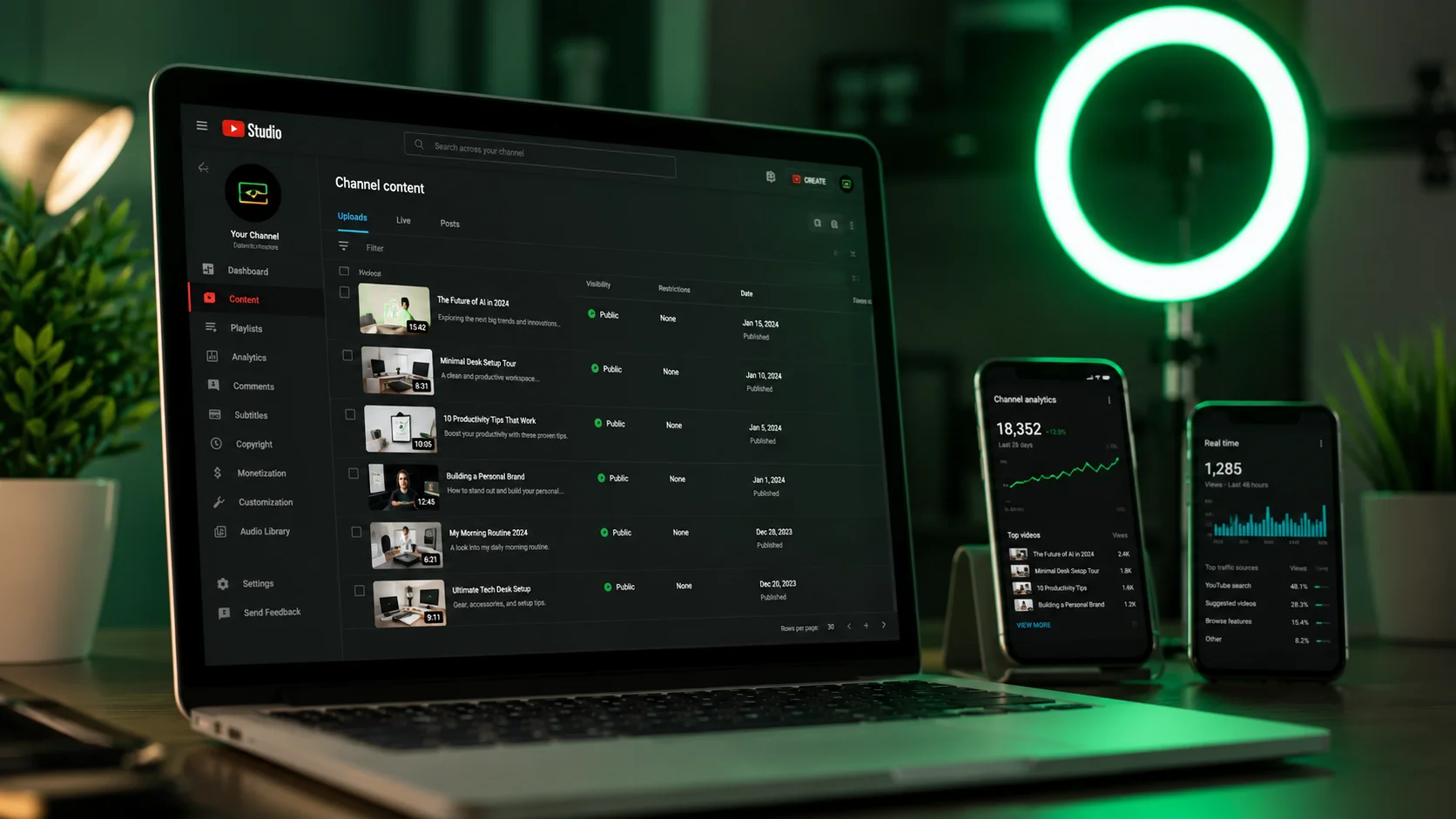
A channel about personal finance hits 100,000 subscribers without ever revealing the person behind it. A history channel covering obscure Cold War events grows to 500K views a month with nothing but stock footage, a calm voiceover, and animated maps. An AI tools review channel — yes, about tools like the ones on this site — runs entirely on screen recordings and synthetic voice. These aren't edge cases anymore. In 2026, faceless channels are one of the fastest-growing content formats on YouTube, and AI has made the production barrier almost trivially low.
I want to give you an honest, step-by-step breakdown of how this actually works — not the overhyped "make $10,000/month passively with zero effort" version, but a realistic picture of the tools, the workflow, the time investment, and what you can genuinely expect. I've gone through this process myself and watched it work for other creators in my orbit. Here's what I know.
Why faceless channels are growing faster than traditional ones in 2026
There are two forces driving the growth of faceless content, and they're somewhat in tension with each other. The first is anonymity — a huge number of potential creators simply don't want to be on camera. Shyness, privacy concerns, professional considerations (maybe your employer wouldn't love a side hustle), or just not wanting to deal with appearance-based comments. Faceless channels eliminate all of this friction.
The second force is scalability. A creator who shows their face is, at some level, a performance. It requires showing up, being "on," setting up lighting, dealing with bad hair days. A faceless production pipeline can theoretically run while you're asleep — script generation, voiceover synthesis, video assembly, even thumbnail creation can all be partially automated. Traditional YouTubers are locked into a creative throughput ceiling tied to their personal capacity. Faceless AI channels can publish more frequently with less per-video effort.
The combination of these two factors — lower personal cost and higher scalability — explains why the format is growing. YouTube itself isn't penalizing it; the algorithm cares about watch time, click-through rate, and engagement, none of which require a human face. The format works if the content is good. And that's the real skill: making content that's genuinely worth watching, regardless of whether a face appears in it.
Step 1: AI script generation — how to brief ChatGPT for YouTube-optimized scripts
The script is the most important part of any video, faceless or otherwise. A weak script with great visuals is still a weak video. Here's the specific prompt format I've found works well for YouTube:
"Write a YouTube script for a video titled [TITLE]. Target audience: [AUDIENCE]. Video length: approximately [X] minutes. Tone: [conversational/authoritative/enthusiastic]. Structure: strong hook in the first 30 seconds that doesn't reveal the answer, three to five main points with specific examples and data, a clear conclusion with a call to action. Do not use filler phrases like 'in today's video' or 'make sure to hit subscribe.' Write the hook as a question or surprising statement. Each section should transition naturally into the next."
The key instruction is "strong hook in the first 30 seconds that doesn't reveal the answer." YouTube's retention algorithm rewards videos that make viewers curious immediately — but if you answer the title question in the first 30 seconds, they leave. ChatGPT left to its own devices tends to produce scripts that start with bland intros. The prompt above forces it to be more intentional.
For factual content (history, finance, science), always fact-check what ChatGPT produces. The model is confident even when it's wrong, and inaccuracies that make it into a published video can seriously damage channel credibility. Use the script as a structure and a draft, not as final copy you push directly to production.
Step 2: AI voiceover — ElevenLabs vs Murf vs free options
The voiceover is where a lot of faceless channels succeed or fail. A robotic-sounding voice makes viewers click away fast, regardless of how good the content is. In 2026, the quality gap between the best AI voices and human narration has essentially closed for many use cases — but only with the right tools.
ElevenLabs is the clear leader. Their voices have natural pacing variation, breath sounds at appropriate moments, and emotional inflection that changes based on context. The "Aria" and "George" voices in particular have become almost reference standards for YouTube narration. The free tier gives you 10,000 characters per month, which is roughly one 8-minute video at script length. Not much. The Starter plan at $5/month gives you 30,000 characters, and the Creator plan at $22/month gives you 100,000 — enough for 8–10 substantial videos monthly.
Murf is the better choice if you need more precise control over pacing and emphasis. Murf lets you adjust pitch, speed, and pauses on individual words, which is useful when ElevenLabs' automatic interpretation doesn't match what you want. The voice quality is slightly below ElevenLabs' best, but the control more than compensates. Murf Basic starts at $19/month.
Free options — Google TTS, Amazon Polly, even the built-in options in some video tools — are noticeably worse. They'll do if you're in pure test mode, but if you're trying to build an audience, invest in a real AI voice tool from the start. The quality difference is significant enough to affect viewer retention.
Step 3: Video creation — Invideo AI and Pictory for automatic video assembly
Once you have a script and a voiceover file, you need to turn them into a video. This is where tools like Invideo AI and Pictory have become genuinely transformative for faceless creators.
Invideo AI lets you paste in a script, upload a voiceover (or generate one within the tool), and it automatically selects stock footage, adds transitions, and syncs the visuals to your narration. The stock footage library is substantial — over 16 million clips — and the AI matching is surprisingly competent at finding relevant visuals. You'll still need to review and swap out clips that don't fit, but it cuts the assembly time dramatically. A 10-minute video that might take four hours to edit manually can be assembled in 30–40 minutes with Invideo AI. The paid plans start at $20/month.
Pictory works similarly but is particularly strong at turning long-form text (blog posts, articles) into short highlight videos. If you're repurposing existing content into YouTube Shorts or building a content ecosystem around written material, Pictory is the better fit. It also has a strong auto-captioning feature, which matters a lot for accessibility and watch time.
The honest limitation of both tools is that auto-selected stock footage can sometimes feel generic or slightly off-topic. The best faceless channels supplement with custom graphics, animated text, and screen recordings to break up the stock footage monotony. This adds production time back in, but the result is noticeably more polished.
Step 4: Thumbnails and SEO — Canva AI and keyword research tools
Even the best video dies in the algorithm without a strong thumbnail and smart SEO. These are not optional extras — they're arguably as important as the video itself.
For thumbnails, Canva's AI tools have become my standard. The Magic Design feature generates thumbnail layouts from a text description, which you then customize. The key for faceless channels is to lean into bold text and graphic elements rather than trying to fake a human presence. High contrast, clear readable text at small sizes, and a visual element that communicates the video's core promise — that formula works consistently. Canva's free tier is sufficient for most thumbnail work; the Pro tier at $15/month is worth it if you're publishing frequently.
For keyword research, TubeBuddy and vidIQ are the dominant tools for YouTube-specific keyword data. Both show you search volume, competition scores, and related searches within YouTube itself. Before you title any video, spend 10 minutes in one of these tools. The difference between a title that gets found and one that disappears can be as simple as using the exact phrase people are actually searching for. Free tiers exist for both, with useful data limits before you hit paywalls.
On-page SEO for YouTube means: keyword in the title, keyword in the first 200 characters of the description, relevant tags, and a transcript in the description (which your AI voiceover script essentially gives you for free). This is table stakes, not a growth strategy — but ignoring it means leaving easy discoverability on the table.
Realistic expectations: what a faceless AI channel can actually earn in year one
Let me be direct here, because most content about faceless channels either wildly overpromises or is so hedge-y as to be useless. Here's a realistic picture.
YouTube monetization requires 1,000 subscribers and 4,000 hours of watch time. For a new channel publishing one to two videos per week in a competitive niche, this typically takes three to six months. In less competitive niches (specific historical events, technical topics, niche hobbies), you can get there faster. In very competitive niches (general finance, weight loss, broad motivational content), you might wait longer.
Once monetized, YouTube AdSense pays on average $2–$8 per 1,000 views (CPM), depending heavily on niche and audience geography. Finance, software, and B2B topics pay significantly more — $15–$30 CPM is achievable. Entertainment and gaming are on the lower end. At 50,000 monthly views in a mid-CPM niche, you're looking at roughly $150–$300/month from AdSense. That's not life-changing, but it's real income from content that runs without ongoing input.
The channels that do well with faceless AI content in year one are typically those that also monetize through affiliate links (tools like the ones we cover here at WebAlati are perfect for this), sponsored segments, or selling their own products. AdSense alone rarely justifies the effort in year one. The combination of AdSense plus affiliate revenue is where the math starts to become genuinely compelling. Budget for your tools (roughly $50–$80/month for a complete AI stack), publish consistently, and treat month six as the starting point for evaluating results — not month two.